Mealbooks · Features
Everything your home kitchen business needs
Menu and recipes
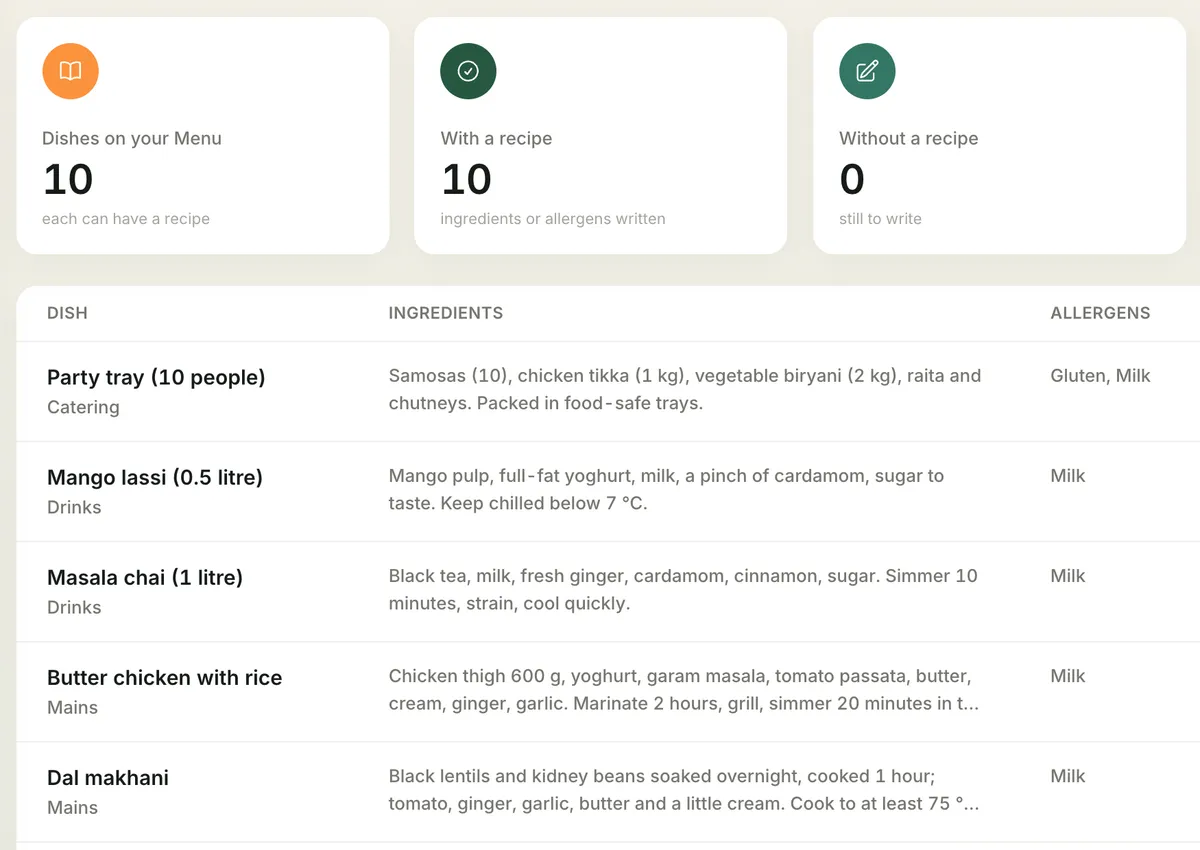
- Dishes with name, category, price and VAT rate (picked from the rates that apply; food defaults to the reduced rate, 9% in the Netherlands).
- The recipe and allergens per dish, with an overview of dishes that still have no recipe.
- Price lists: give a regular customer (an office, say) their own prices.
Customers
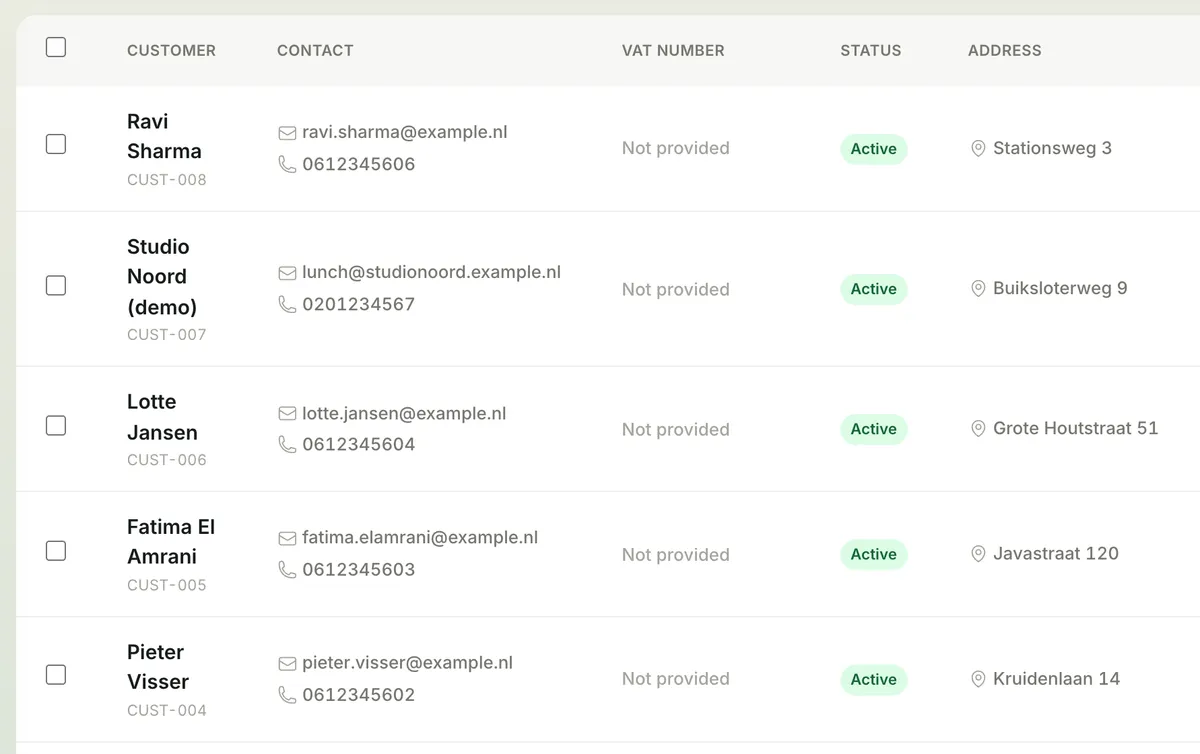
- Customer details with address, e-mail, phone and, for business customers, their VAT number so it appears on their invoice.
- Import from a spreadsheet, export whenever you like.
Orders
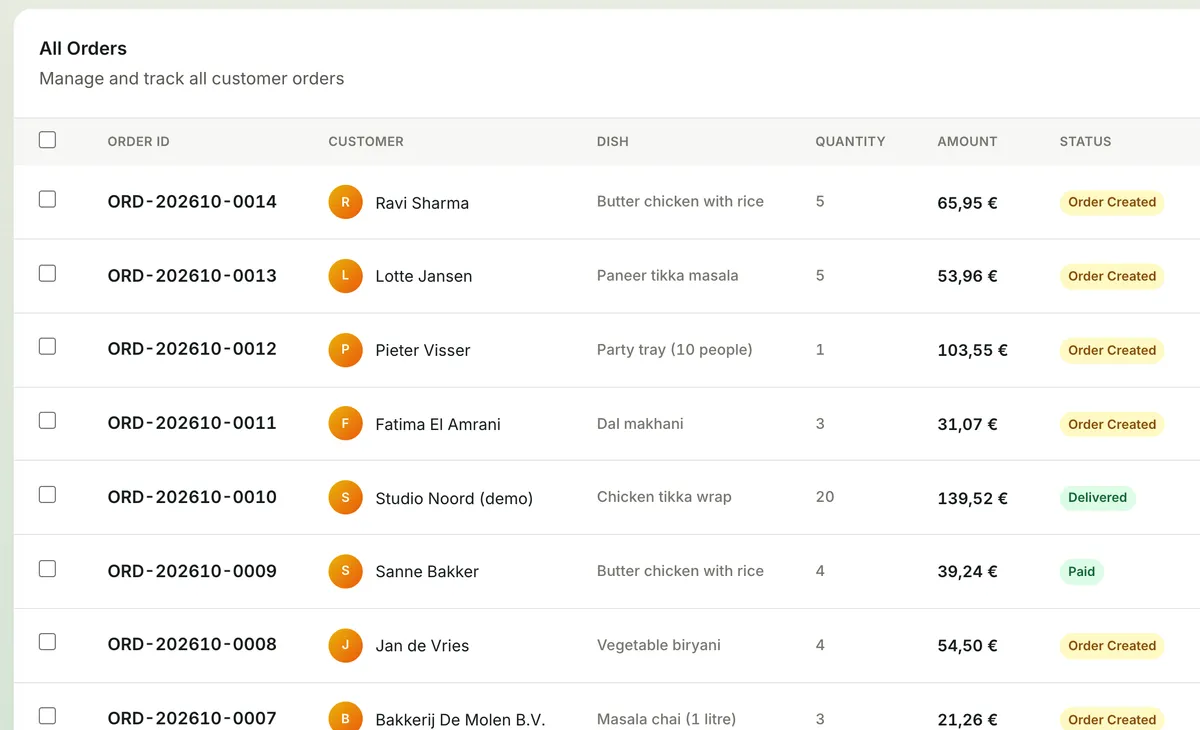
- Create an order with dishes, quantities and a delivery date.
- A simple status: created → delivered → paid. On “delivered” Mealbooks makes the invoice automatically.
- Something came back? Record a return; the invoice and your figures follow.
- Finished orders move to the archive by themselves after a while, keeping your list tidy.
Invoices and payments
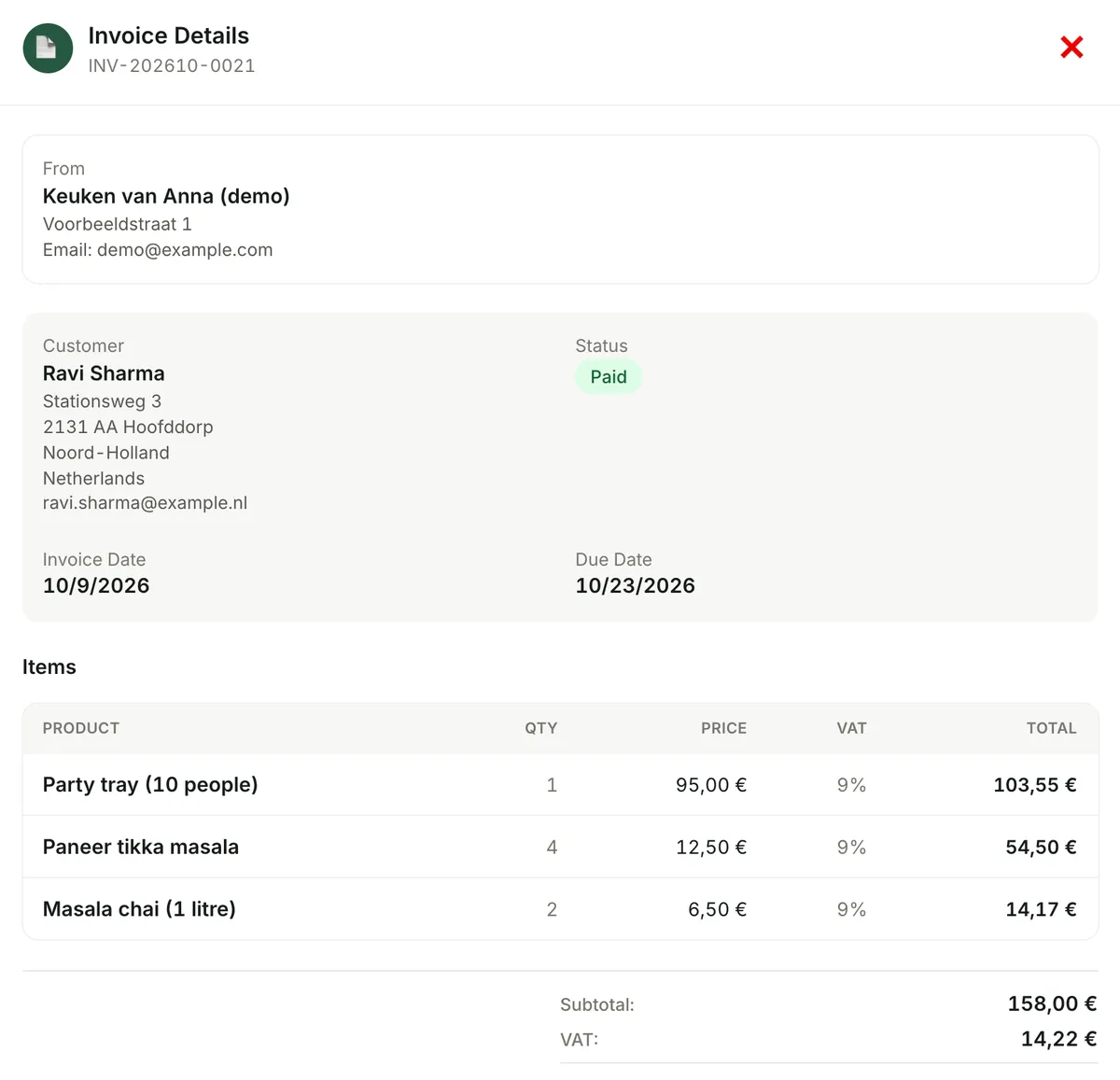
- Invoices with your business name, address, e-mail, phone, VAT number, company registration number (KVK in the Netherlands) and IBAN, and your customer’s address.
- VAT shown per rate, your local tax number next to the VAT number (for example the German Steuernummer), and a footer for your legal notes.
- Under the small-business VAT exemption (KOR, § 19 UStG, franchise en base) every line has 0% and the invoice prints the legal sentence; invoices to businesses in other EU countries say “reverse charge” with the customer’s VAT number.
- Invoices, payment reminders and order e-mails in the language you choose for your customers; the app itself in 6 languages.
- Download as PDF, print, or send via WhatsApp.
- Record payments, also part payments; all open invoices in one list.
- Automatic payment reminders by e-mail for unpaid invoices.
Expenses
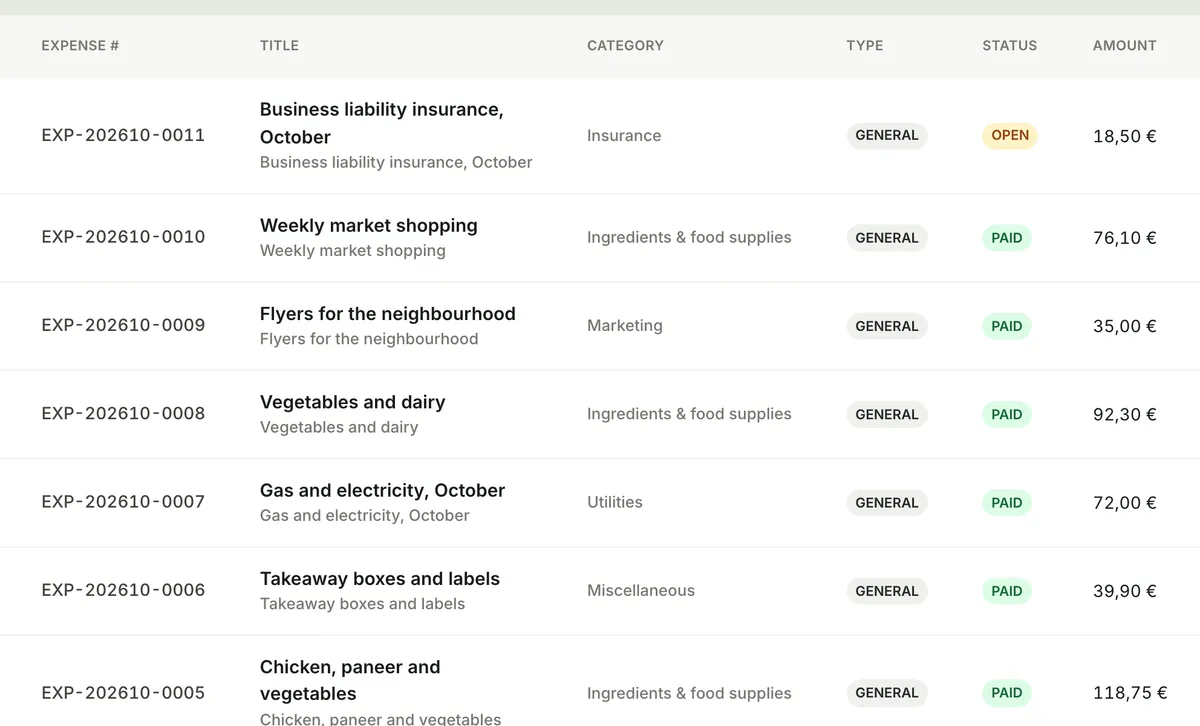
- Expenses with category, amount, date and VAT rate, for example for ingredients.
- Ingredients count as “cost of ingredients” in your profit and loss.
HACCP and hygiene
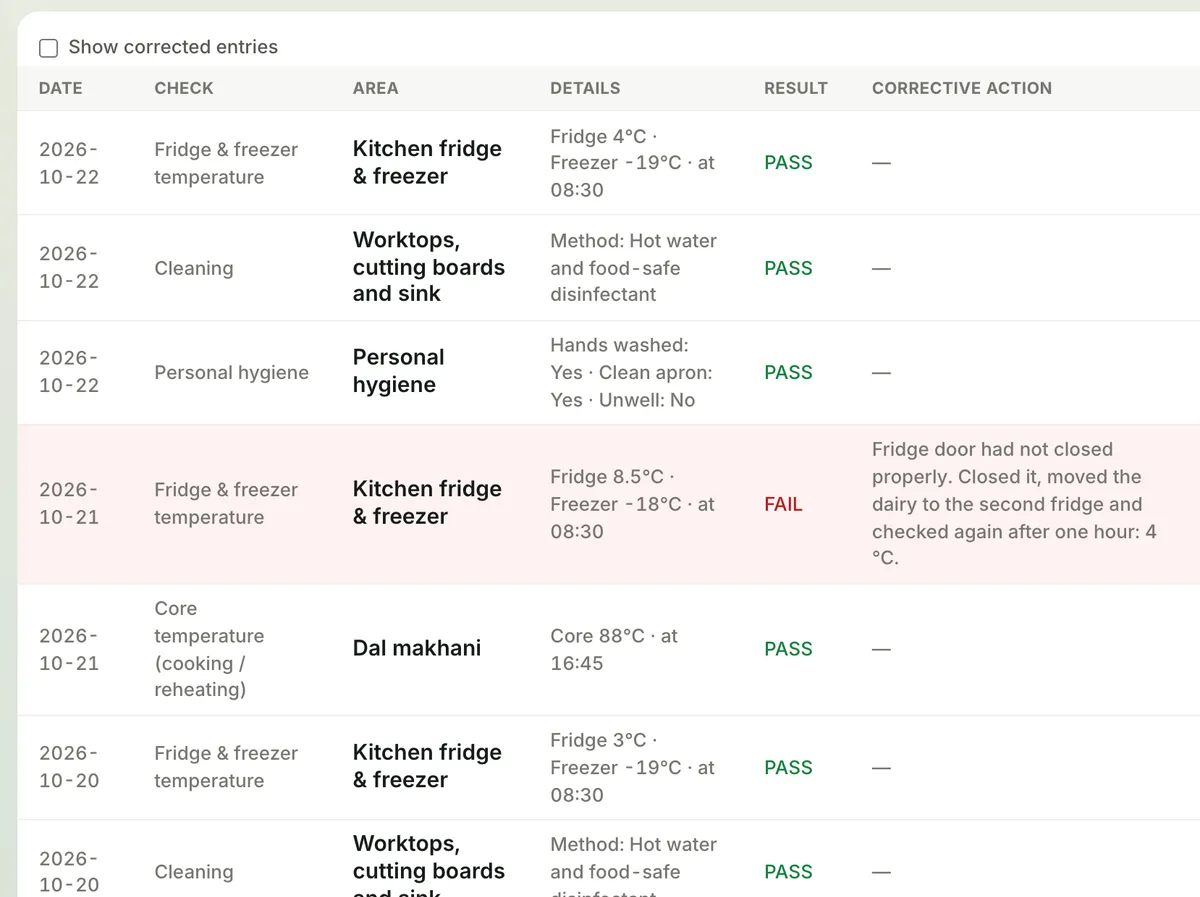
- The checks of a paper food-safety log, digital: daily (fridge and freezer, core temperature, labels, cleaning, personal hygiene, packaging), weekly (stock rotation, pests, deep clean) and periodic (supplier traceability, annual tasks).
- Mealbooks decides whether a check passed (fridge 7 °C or colder, freezer -18 °C or colder, for example) and asks for the action taken when it failed.
- Checks can’t be quietly changed: a mistake is corrected with a reason, and the original stays visible.
- Print the logs as PDF for the inspector.
Bookkeeping and VAT return
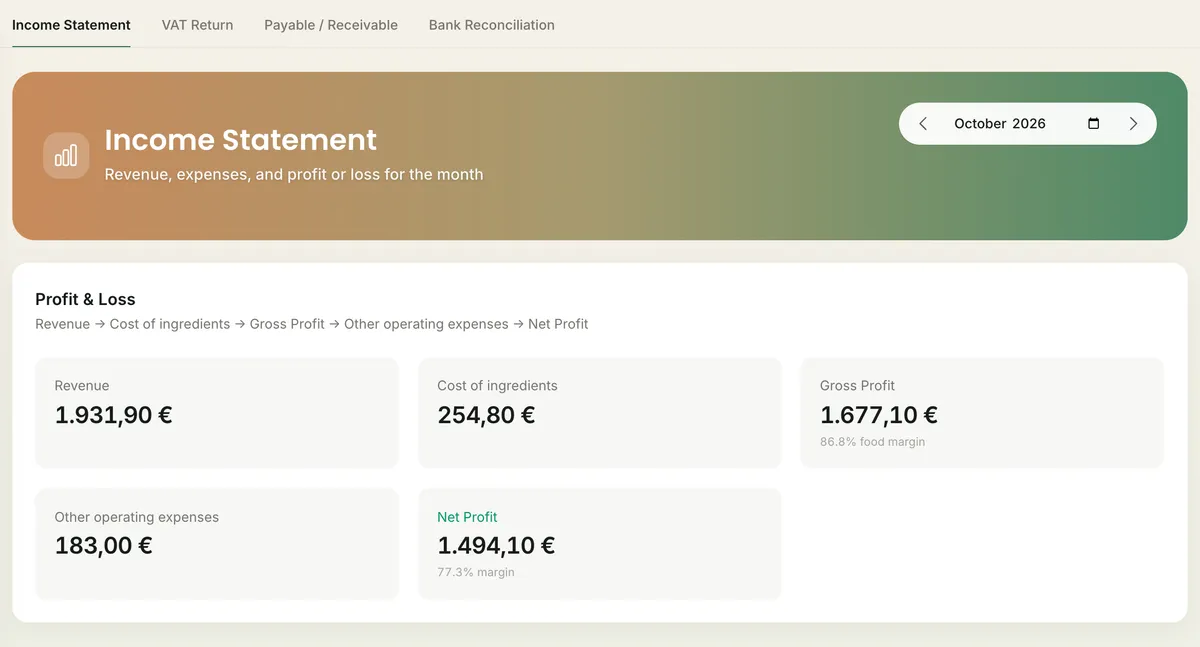
- Profit and loss per month, what is still owed, and bank reconciliation.
- Quarterly VAT return: in the Netherlands and Germany the figure for each box of the official return, ready to copy into the tax office’s portal; in other countries a VAT summary. After filing you lock the quarter.
- Your books are kept automatically behind the scenes.
Business Assistant
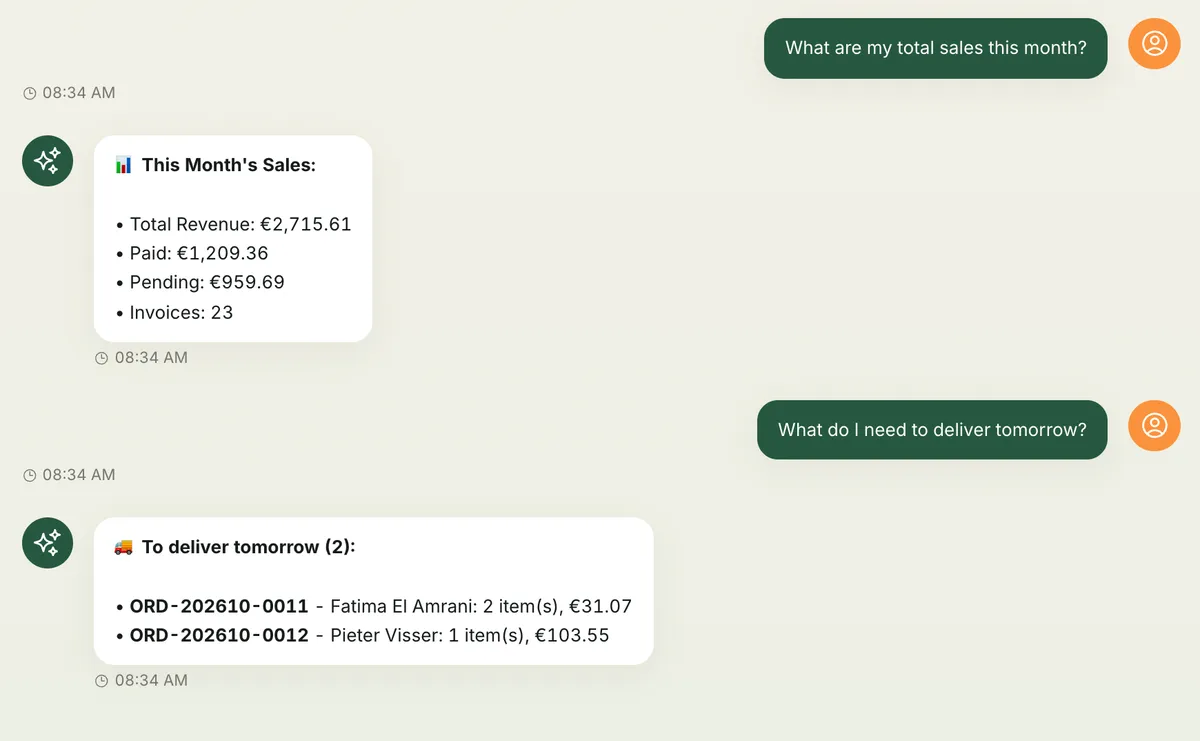
Ask questions in plain words, for example:
- “What are my total sales this month?”
- “What do I need to deliver tomorrow?”
- “Which HACCP checks failed this week?”
- “Which dishes contain allergens?”
Reports
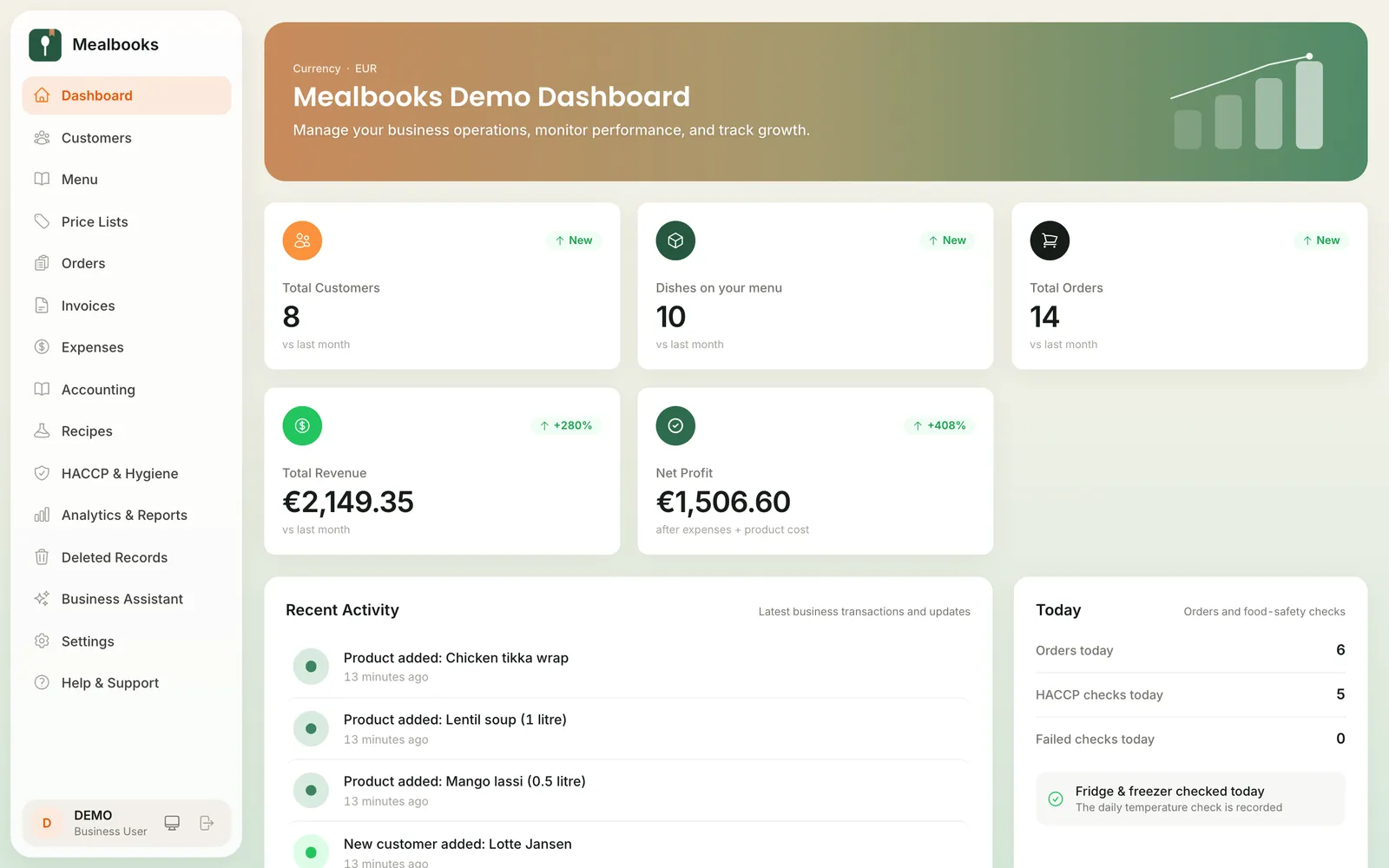
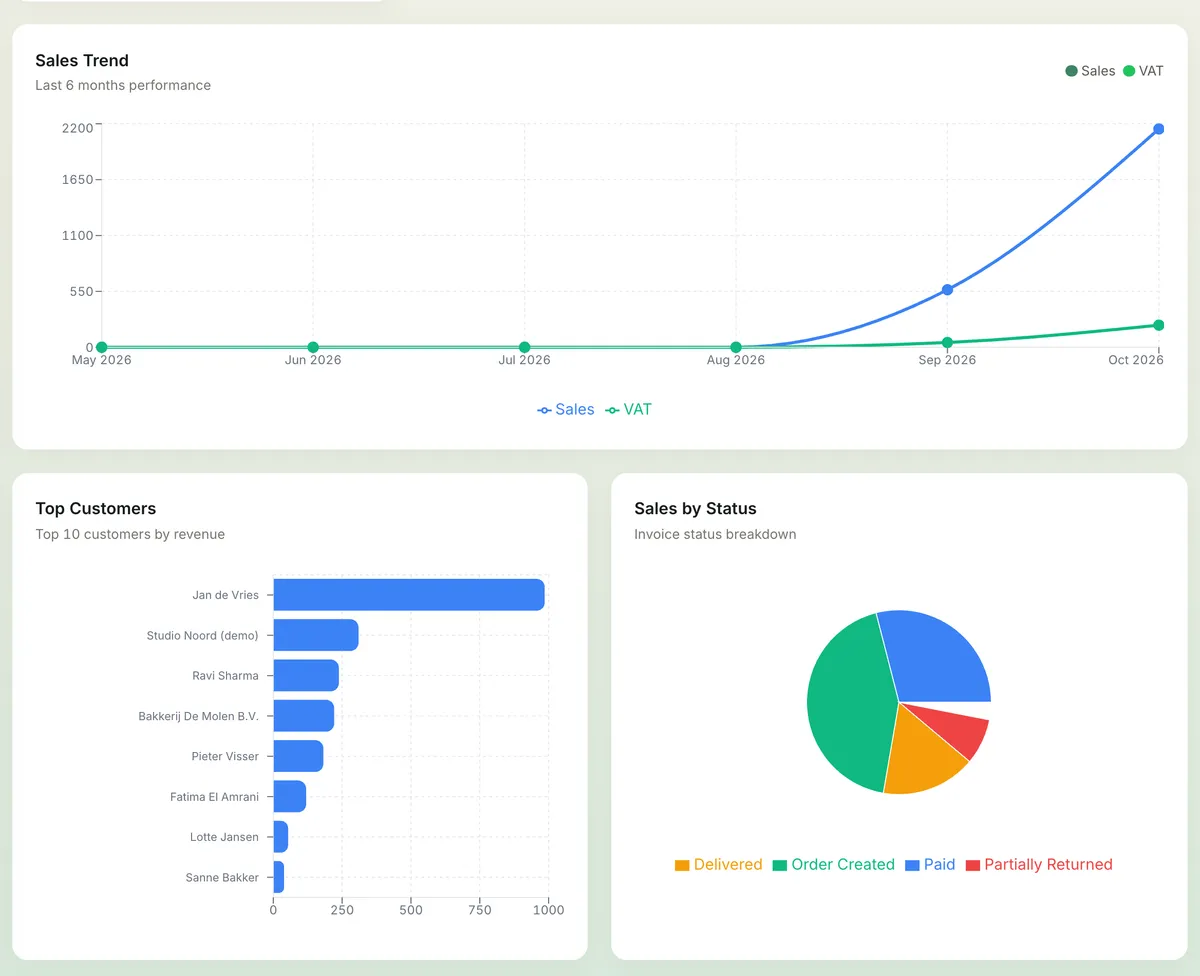
Sales, expenses and trends, and a report per dish: which dishes sell best.
Always at hand
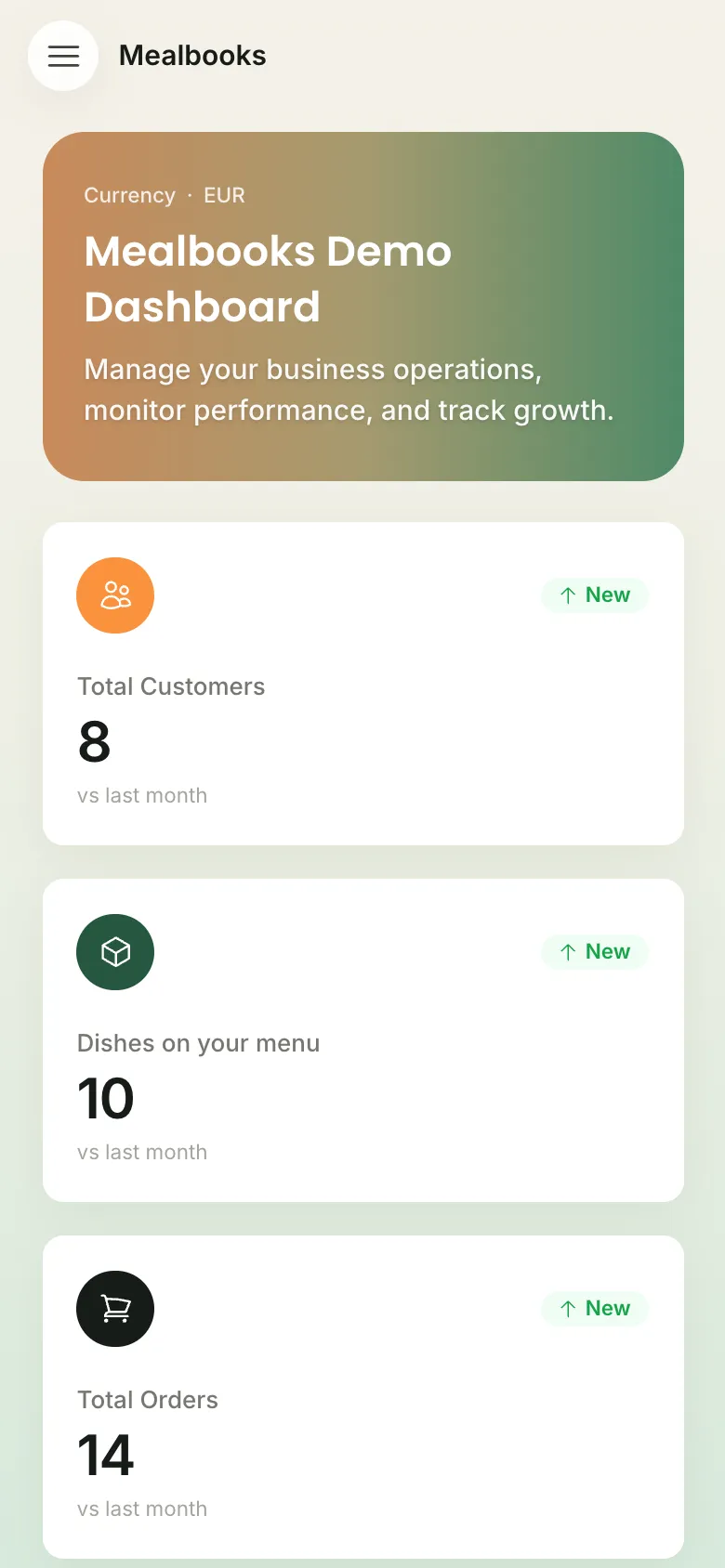
- Works on laptop, tablet and phone.
- Add Mealbooks to your home screen as an app (Chrome, Edge, or on iPhone via Share → Add to Home Screen).
- A new version? You see a “Reload” note and you’re up to date.
Safe and yours
Sign in with a password, and optionally a verification code by e-mail.
Too many wrong passwords lock the account for a while.
Deleted something by mistake? Restore it from Deleted Records.
Export your lists whenever you like; after cancelling you can still download all your data.
Help
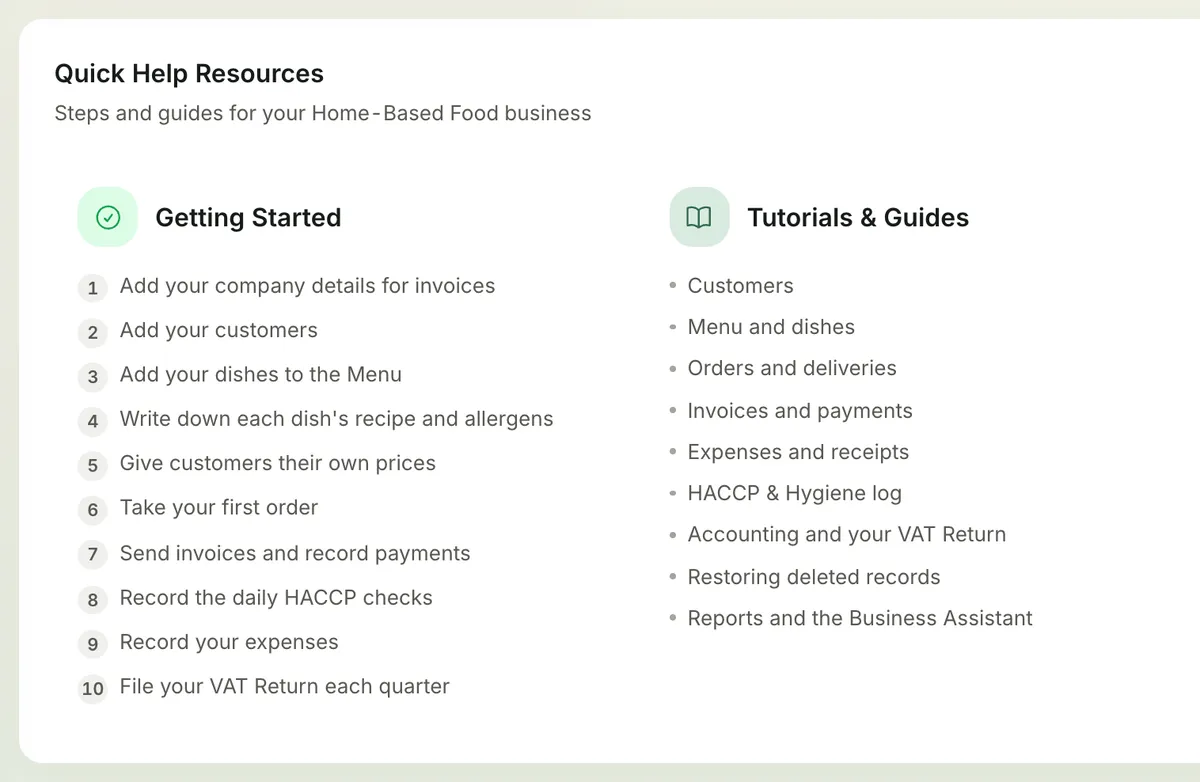
Answers to common questions in the app, guidance per screen, and a support ticket when you’re stuck.
Made in the Netherlands for food businesses in Europe
Ready to start?
Try Mealbooks free for 7 days. No payment details needed. · App in 6 languages